Blog
Features
Did you know: See every course you've played (and ones you haven't)
We recently got this lovely bit of feedback from a player:
"Hyvä sovellus tulosten merkkaamiseen. Mielestäni hyvä lisäys olisi, että kartalla kaikki radat jotka olet pelannut näkyisi eri värillä. Näin olisi helpompi katsoa kartalla missä päin olet pelannut mitäkin ratoja."
("Great app for keeping score. I think it would be a nice addition if all the courses you've played showed up in a different color on the map. It would make it easier to see where in the world you've played what.")
Good news: that's already possible in Upsi! Just in a slightly different way than a color overlay.
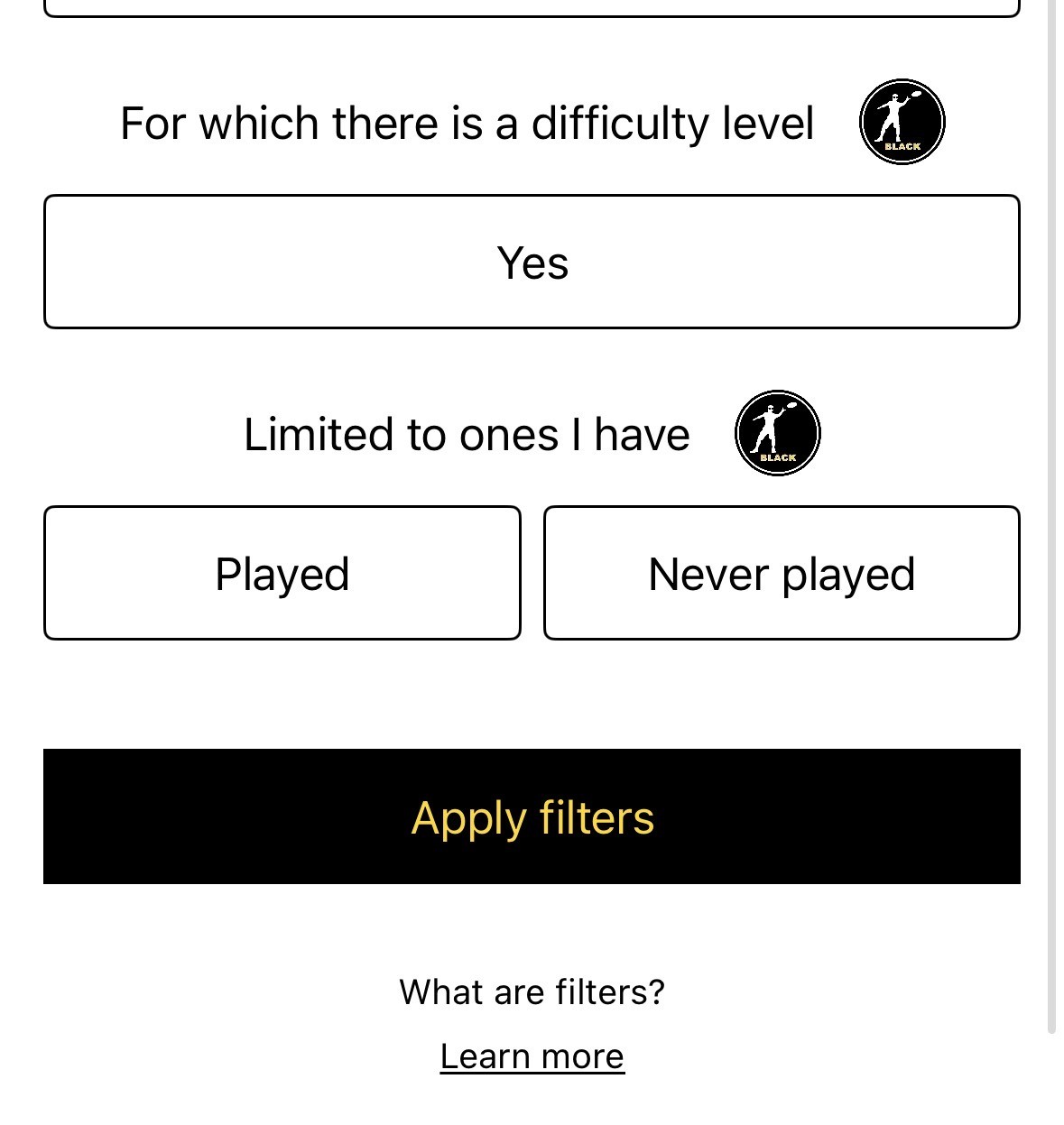
Head to Filters and look for Limit to Played or Unplayed. From there you've got two views:
Played: only the courses you've played. Zoom out on the Map and watch your personal disc golf journey light up across towns, countries, and continents. Your very own trophy map.
Never played: only the courses you haven't played yet. Perfect for planning your next road trip, holiday detour, or a Sunday adventure to somewhere new.
It's one tap to switch between "where have I been?" and "where should I go next?"
How to try it
Open the Map tab and tap the Filter icon (top-left), or tap Filter in Course Search (top-right).
Under Limit to Played or Unplayed, pick Played or Never played.
Tap Apply filters and done!
This filter is part of the exclusive set available to Upsi Black subscribers — see the full list of Black features here. You can also read more about every course filter in our help guide.
And keep the feedback coming. Some of the best ideas in Upsi started exactly like this one. 💗